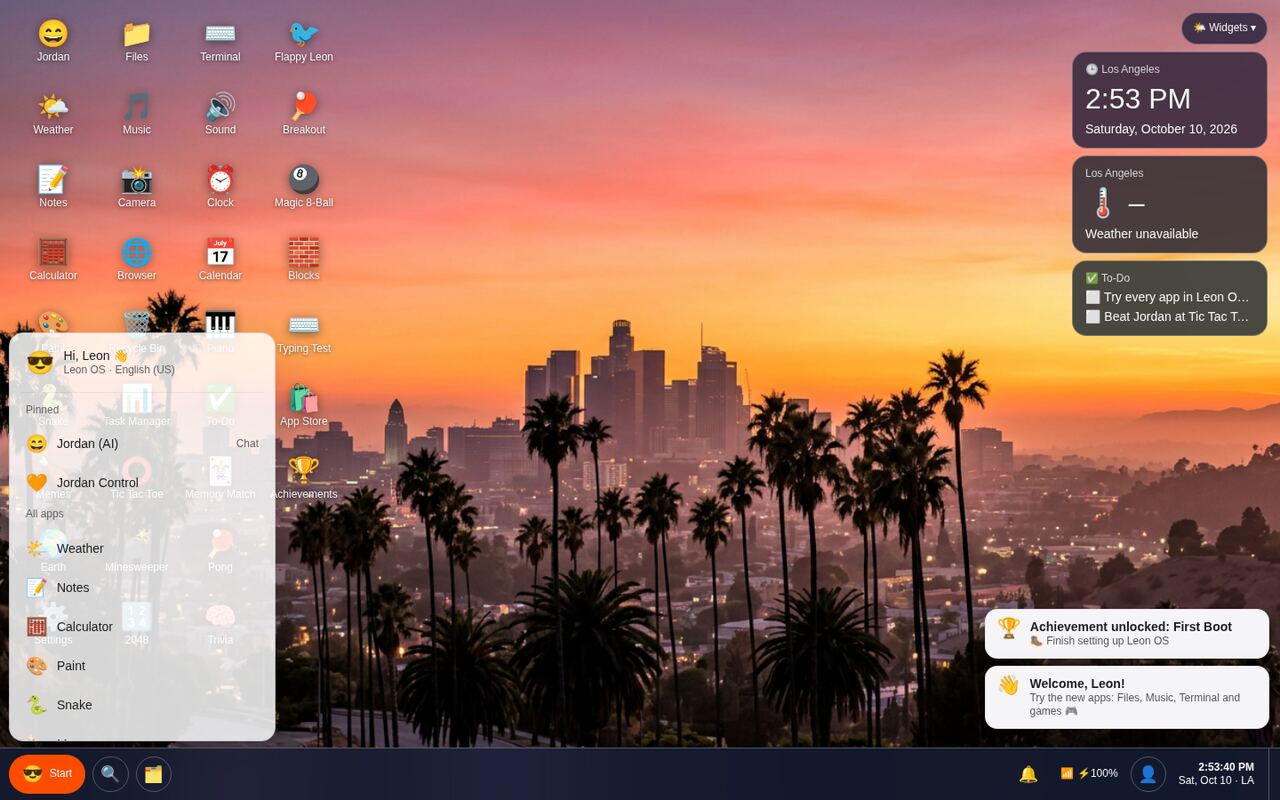
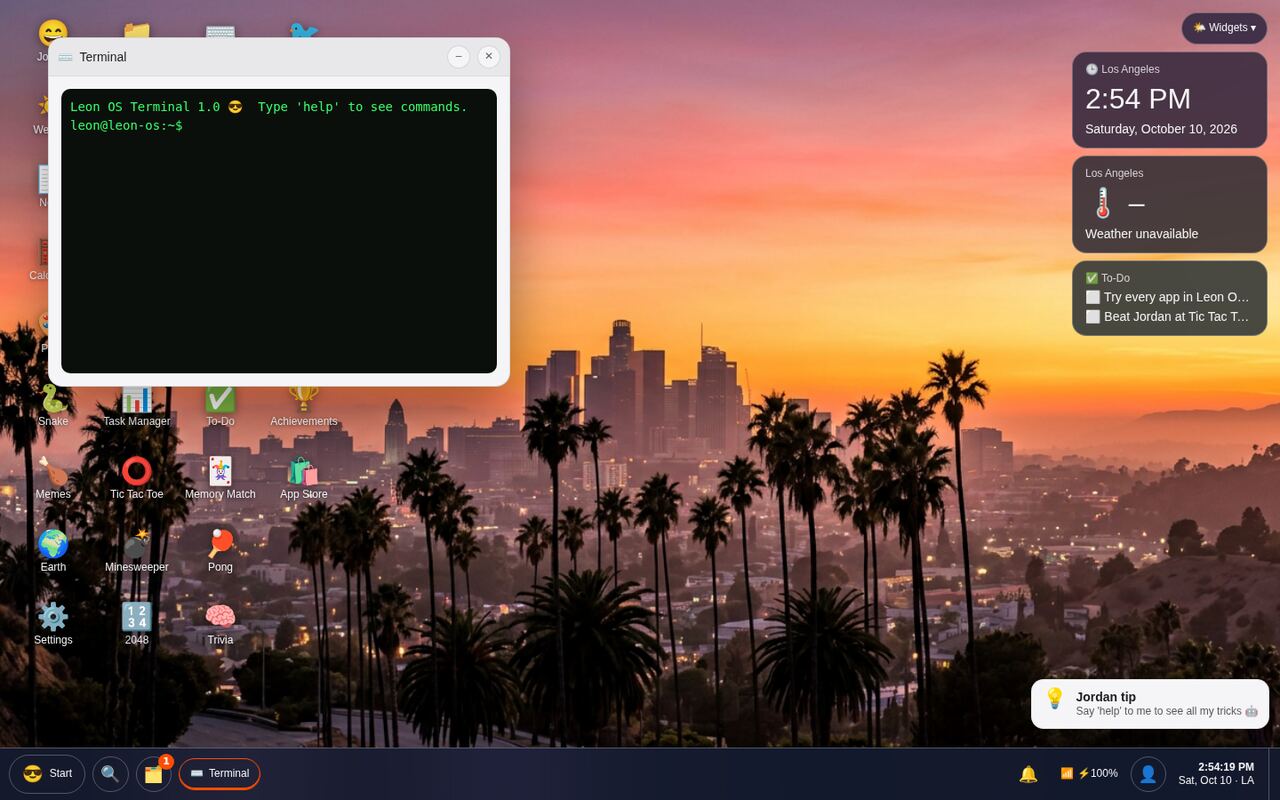
Leon OS is a free web operating system with 35 apps and games, an AI assistant named Jordan, widgets, wallpapers, and cloud saves that follow you to any computer.
Works on Chromebooks, Windows, Mac, tablets and phones.
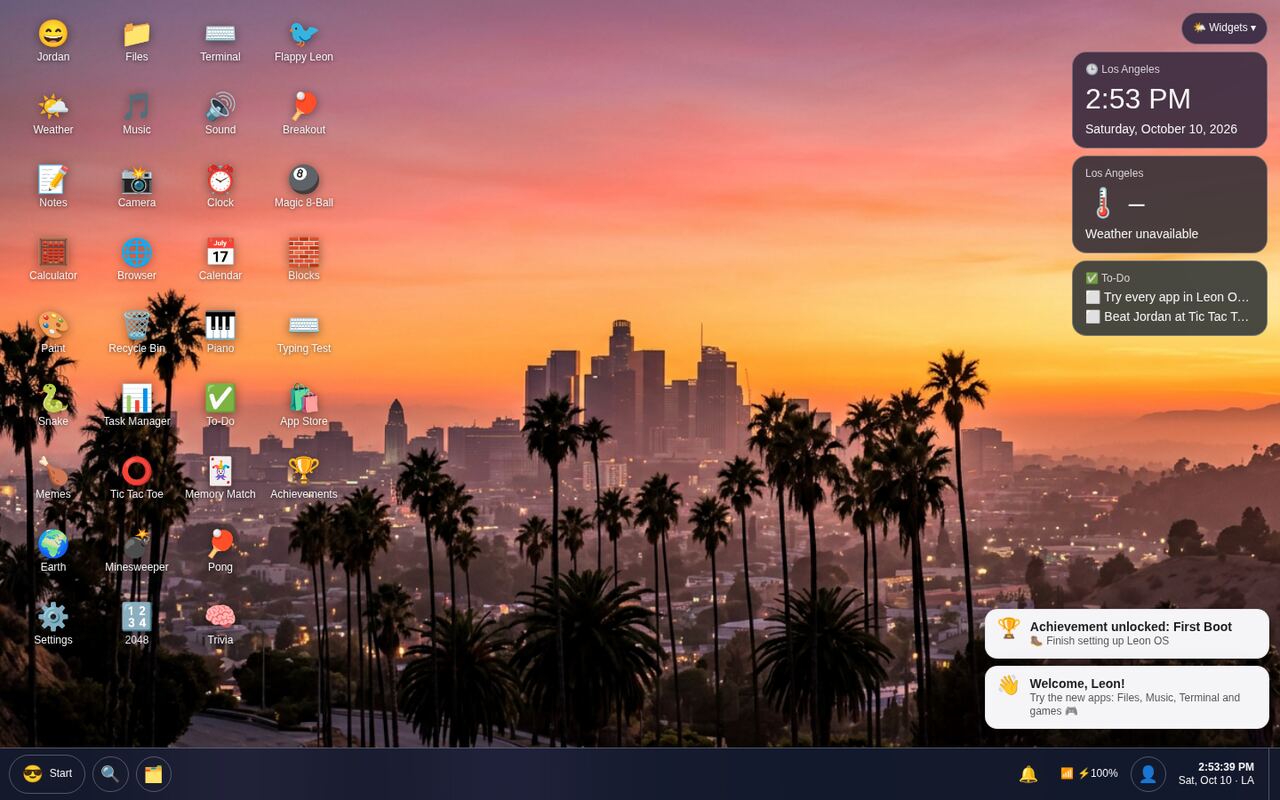
Plus a few things it shouldn't, like Flappy Leon.
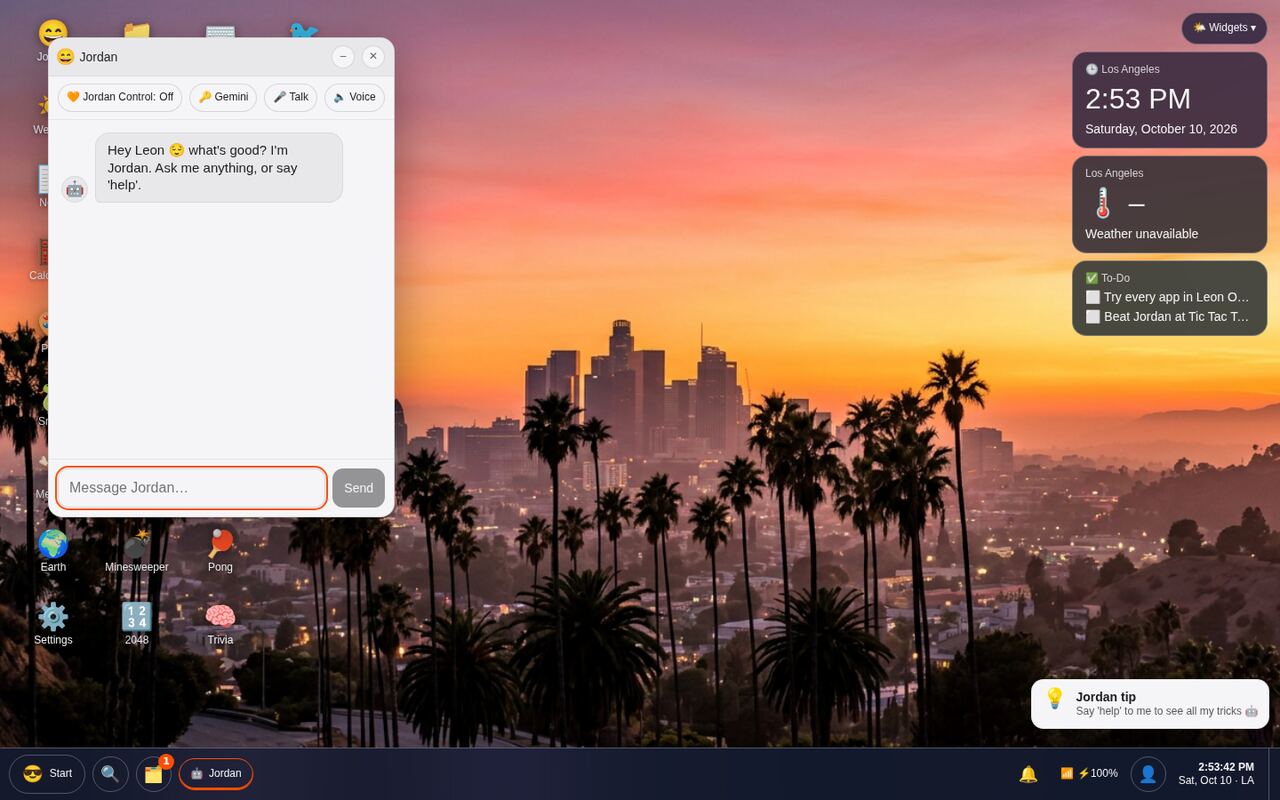
Chat, ask questions, or let Jordan open apps and change wallpapers for you. Bring your own Gemini key for super-smart mode.
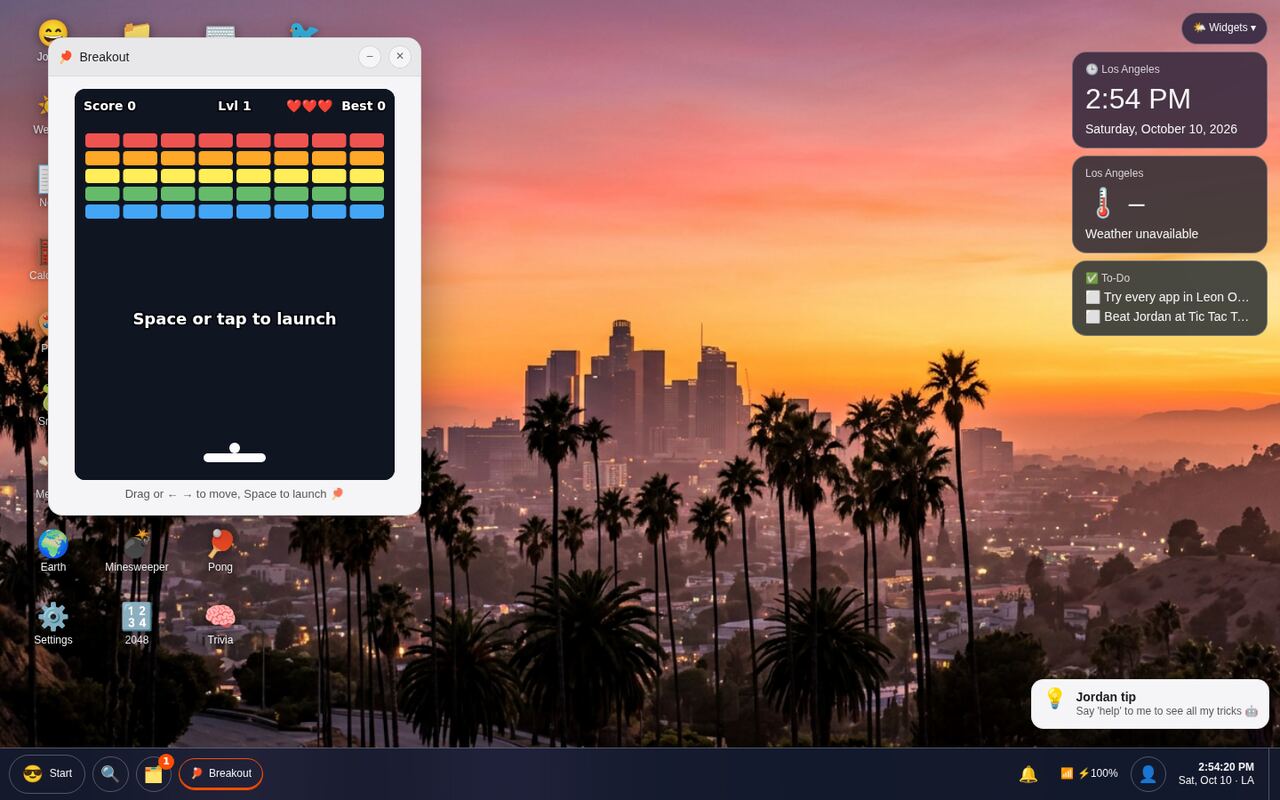
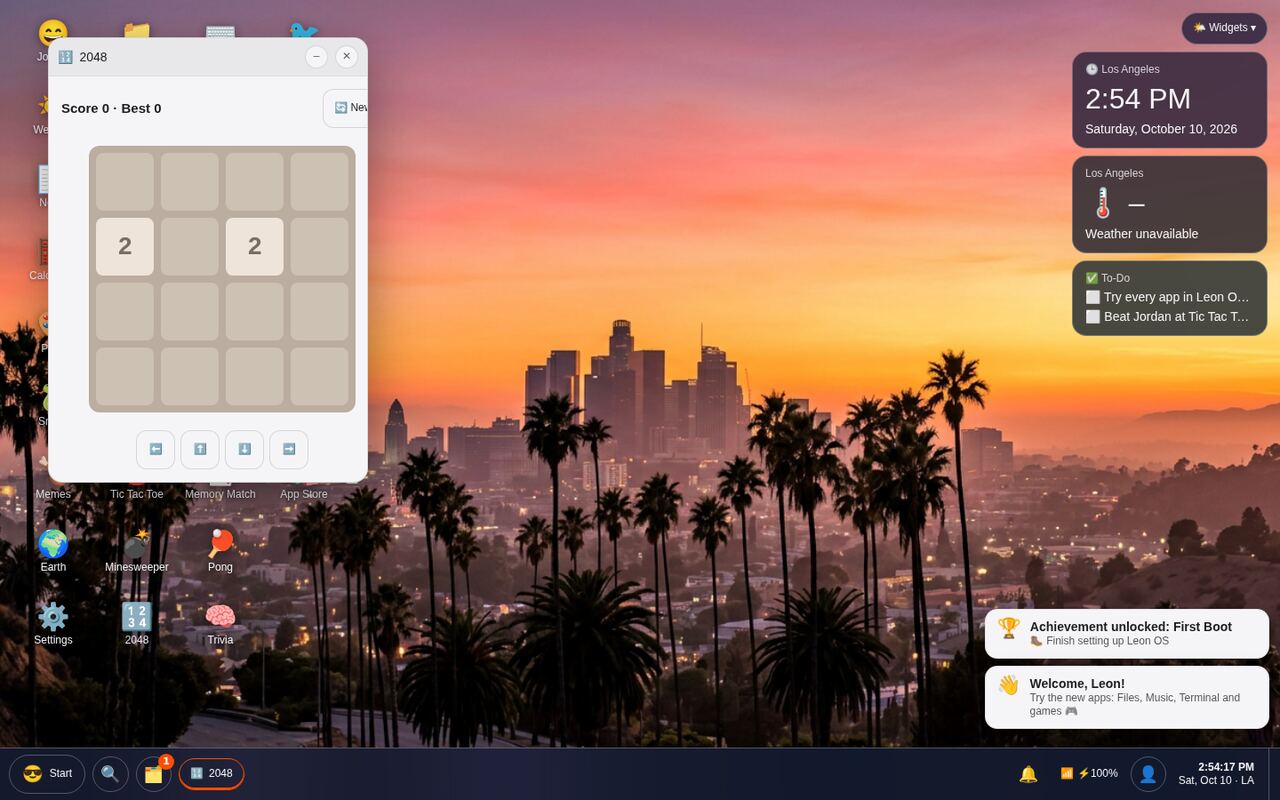
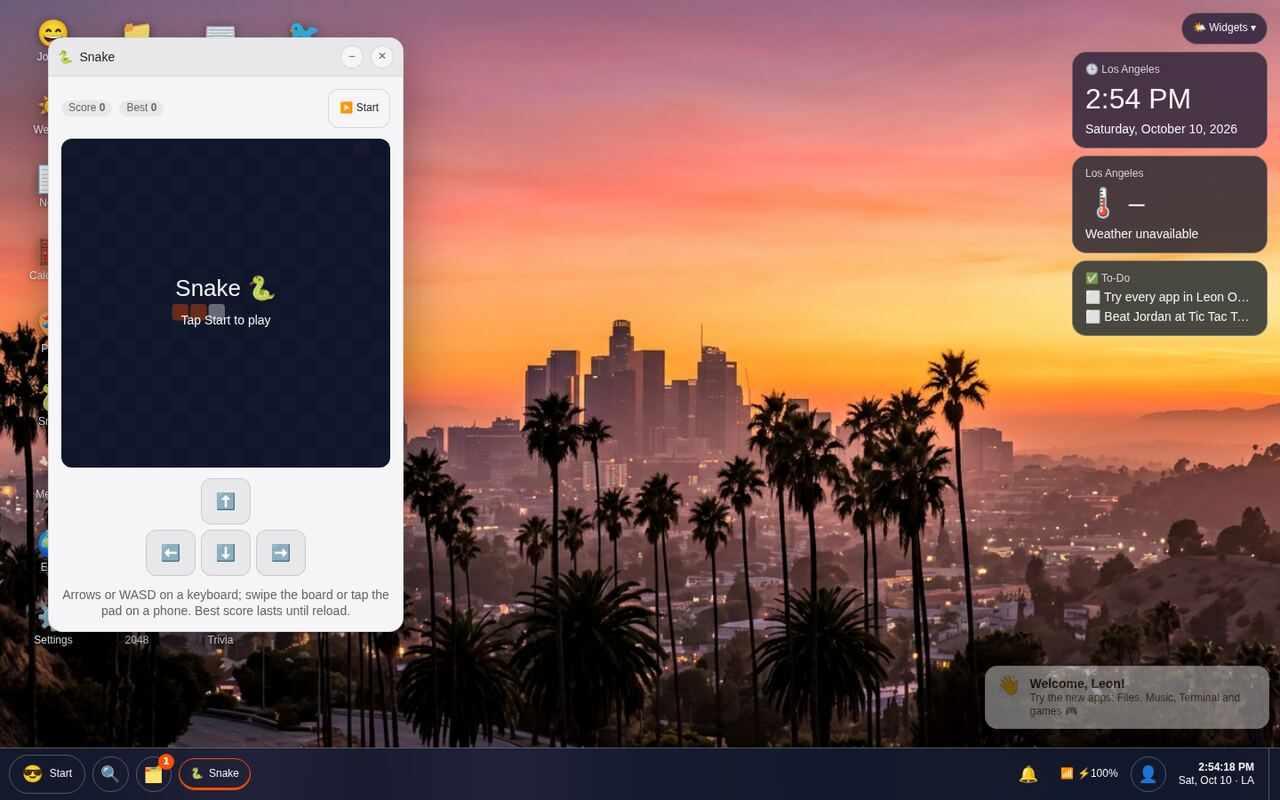
Block World (a 3D building game!), Snake, 2048, Breakout, Pong, Minesweeper, Flappy Leon, Tic Tac Toe, Memory Match, Trivia and more.
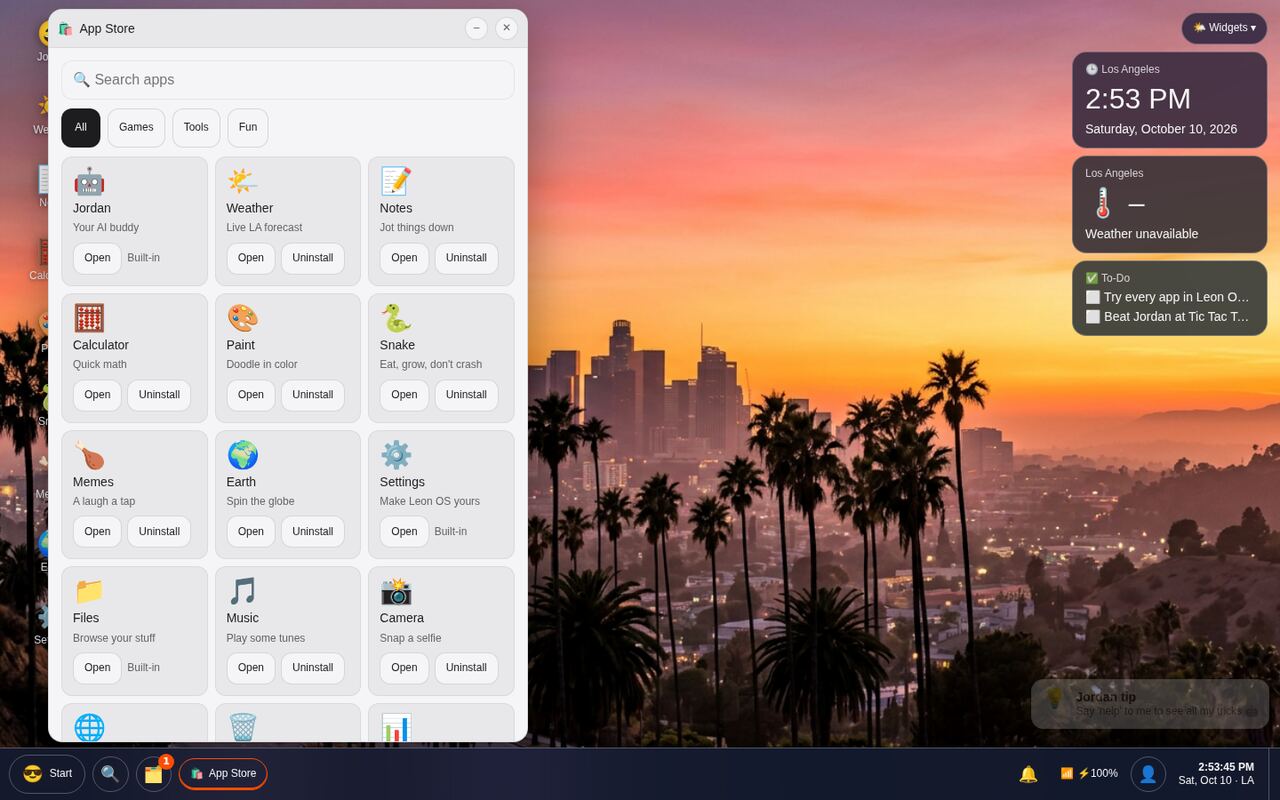
Install or remove apps, and keep a clock, weather and your to-do list on the desktop.
Sign in with Google or email and your notes, settings and scores come back on any computer.
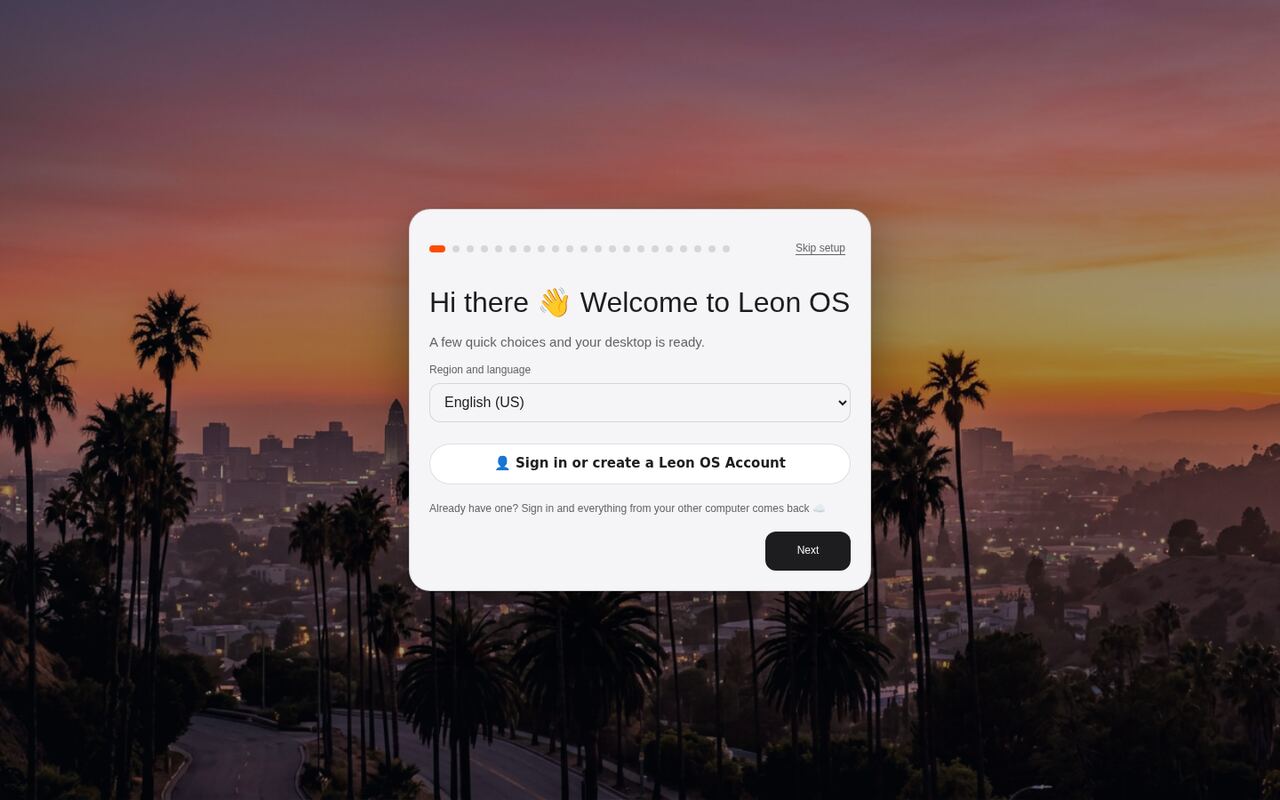
12 photo wallpapers, five accent colors, startup sounds and a full setup wizard.
App search, Task View, a calendar, right-click menus, Show Desktop and Achievements to unlock.
Say "open Snake" or "change my wallpaper" and it happens.

A whole arcade opens in one click, and your best scores get saved.

Browse apps by Games, Tools and Fun, then install what you like.

Tap any screenshot to see it bigger.


Leon OS boots right in your browser. Nothing to download.
Pick your language, name and wallpaper, or skip straight to the desktop.
Open apps, play games, chat with Jordan, and sign in to save everything.
Yep, 100% free. No ads, no trial, no credit card.
No. Leon OS runs entirely in your web browser, so it works on Chromebooks, school computers, Macs, Windows PCs, tablets and phones.
No. You can skip setup and use it right away. A free Leon OS account (Google or email) just syncs your stuff across computers.
It's a web desktop: a fun, full desktop experience that lives inside your browser, with windows, a taskbar, apps and games.
Yes. Your settings, notes and scores save in your browser automatically, and in the cloud when you sign in.